Insights · Article · Engineering · Apr 11, 2026
Design systems, automated tests, assistive tech dogfooding, and production monitoring that make WCAG alignment durable across enterprise software releases.
Annual accessibility audits produce static PDF reports that invariably age the moment the very next sprint ships its code. Durable accessibility programs do not rely on one-off remediation sprints. Instead, they embed accessibility deeply into design systems, engineering definitions of done, and operational monitoring workflows.
Many organizations still treat accessibility as a compliance checkbox, reacting only when legal risks appear or major enterprise clients demand a Voluntary Product Accessibility Template (VPAT). However, modern engineering organizations realize that inclusive design is a leading indicator of code quality. When interfaces are semantically structured, properly labeled, and keyboard navigable, they are inherently more resilient, easier to test, and highly performant across an array of devices.
The journey begins far before a single line of code is written in the frontend repository. It starts directly with the fundamental design tokens and system components.
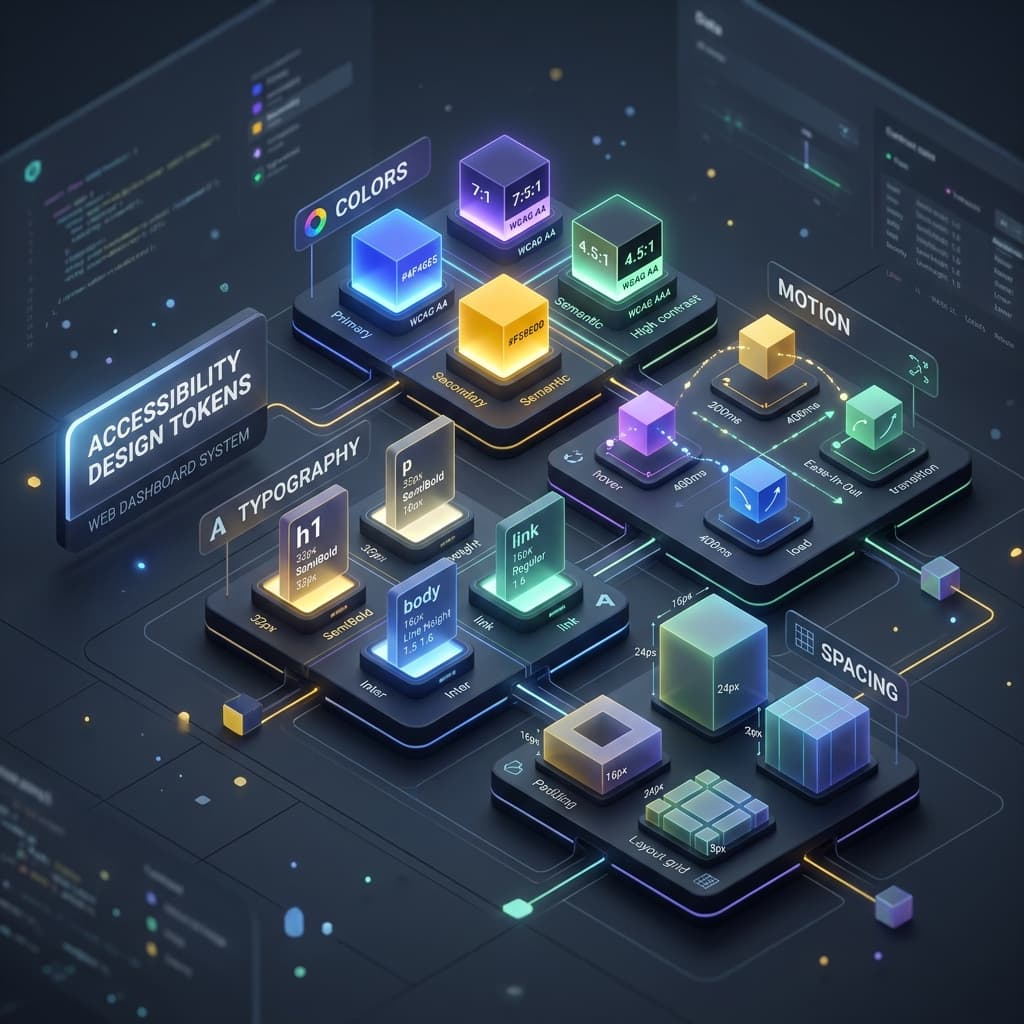
Design tokens should encode contrast-safe palettes, focus ring visibility configurations, and motion reduction preferences natively. Designers require tools that make correct and accessible choices significantly easier than exceptions. By defining semantic color tokens (like 'error-text' and 'success-background') rather than hardcoded hex values, teams can ensure that dark modes and high contrast themes meet WCAG AA or AAA guidelines without requiring engineers to manually calculate contrast ratios.
Typography tokens play an equally critical role. Responsive type scales should support user-defined font sizing at the operating system level. If your application breaks when a user scales their default font size by 200 percent, your component architecture is fundamentally fragile. Tokenizing line heights, paragraph spacing, and touch target sizes prevents these regressions at scale.
Engineering standards must prioritize semantic HTML before resorting to ARIA attribute sprawl. While WAI-ARIA (Web Accessibility Initiative - Accessible Rich Internet Applications) provides powerful tools for defining complex interactions, the fundamental rule of ARIA is that no ARIA is better than bad ARIA. Native HTML elements like buttons, navigational links, and select dropdowns come with built-in state management and keyboard event handlers that are painstakingly optimized by browser vendors. Rebuilding these from scratch using div and span tags introduces immense overhead and frequent accessibility failures.
To enforce these practices, automated linting in Continuous Integration (CI) pipelines becomes indispensable. Tools that scan Abstract Syntax Trees (AST) and static markup can catch many common failures early. Missing alt attributes, invalid aria-roles, and insufficient form labels can be blocked from merging entirely.
However, automated testing cannot replace manual keyboard traversal and screen reader testing for complex interactive widgets. A scanner can verify that an aria-expanded attribute exists, but it cannot determine if the relationship between the trigger and the collapsible content makes logical sense to a user navigating blindly. This gap requires a culture of dogfooding.
Dogfooding with actual assistive technologies builds profound empathy and uncovers critical bugs that automated scanners completely miss. We recommend rotating engineers through monthly accessibility hours so that knowledge spreads throughout the organization beyond a single siloed specialist. When developers experience firsthand the frustration of a focus trap or the confusion of an unannounced DOM mutation via VoiceOver or NVDA, their approach to building UI permanently shifts.
Third-party component libraries and embedded software are extremely common weak points for enterprise accessibility. Vendor questionnaires should mandate the inclusion of current VPATs, binding remediation Service Level Agreements (SLAs), and demonstrable proof of absolute keyboard support. Procurement teams must be empowered to categorically block software upgrades or integrations that introduce localized regressions without a strict mitigation plan.
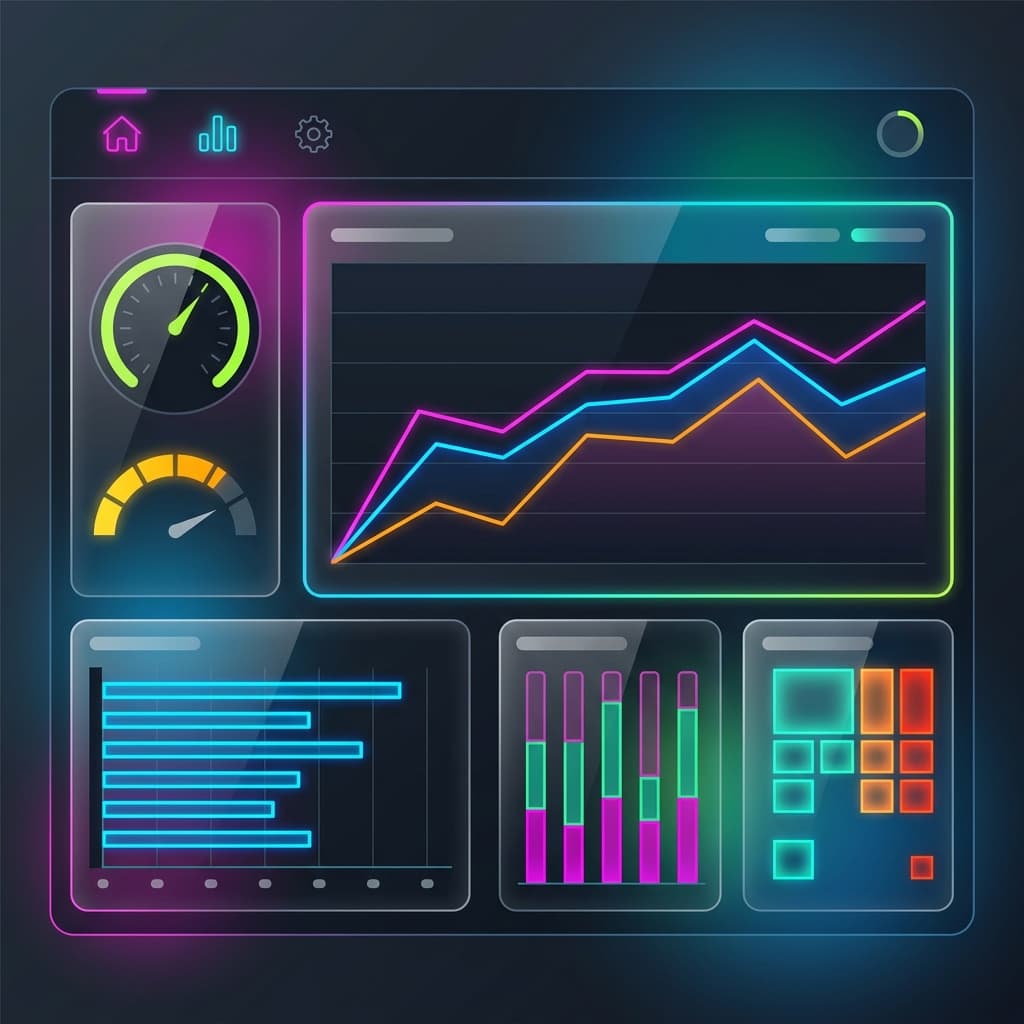
Production monitoring represents the final, often ignored frontier of accessibility engineering. Most telemetry platforms track API latency or memory leaks, but very few track accessible user flows. Production monitoring can securely include user-reported barriers via contextual feedback forms, support ticket tagging, and synthetic session replays (where privacy completely permits). Constructing an 'Accessibility Health Dashboard' bridges the gap between engineering efforts and product management visibility.
These quantitative signals justify ongoing roadmap investment. Legal and procurement partners need to understand that accessibility is a continuous operational product cost, entirely distinct from a one-time project line item. Organizations must budget proactively for remediation sprints immediately following major visual redesigns or backend platform migrations.
Training and documentation are equally necessary to ensure alignment. General training seminars often fail because abstract rules formulated without context feel terribly bureaucratic to developers under deadline pressure. Instead, connect accessibility standards directly to examples from your own proprietary codebase. Concrete fixes, complete with 'before' and 'after' code snippets from familiar components, feel highly achievable.
In closing, punitive compliance models create friction. It is critical to celebrate the teams and individuals who ship radically inclusive features. Internal recognition accelerates adoption significantly faster than the pure fear of compliance violations or impending lawsuits. When accessibility transforms from a tax on deployment into a marker of true engineering excellence, the entire platform benefits alongside the users.
We facilitate small-group sessions for customers and prospects without requiring a slide deck, focused on your stack, constraints, and the decisions you need to make next.